Build mobile UIs
you actually own.
Production-ready React Native components for Expo. TypeScript-first, accessible, lightweight — with minimal peer dependencies. Copy them in, customize freely, ship with confidence.
Component Library
27+ components. Production-grade.
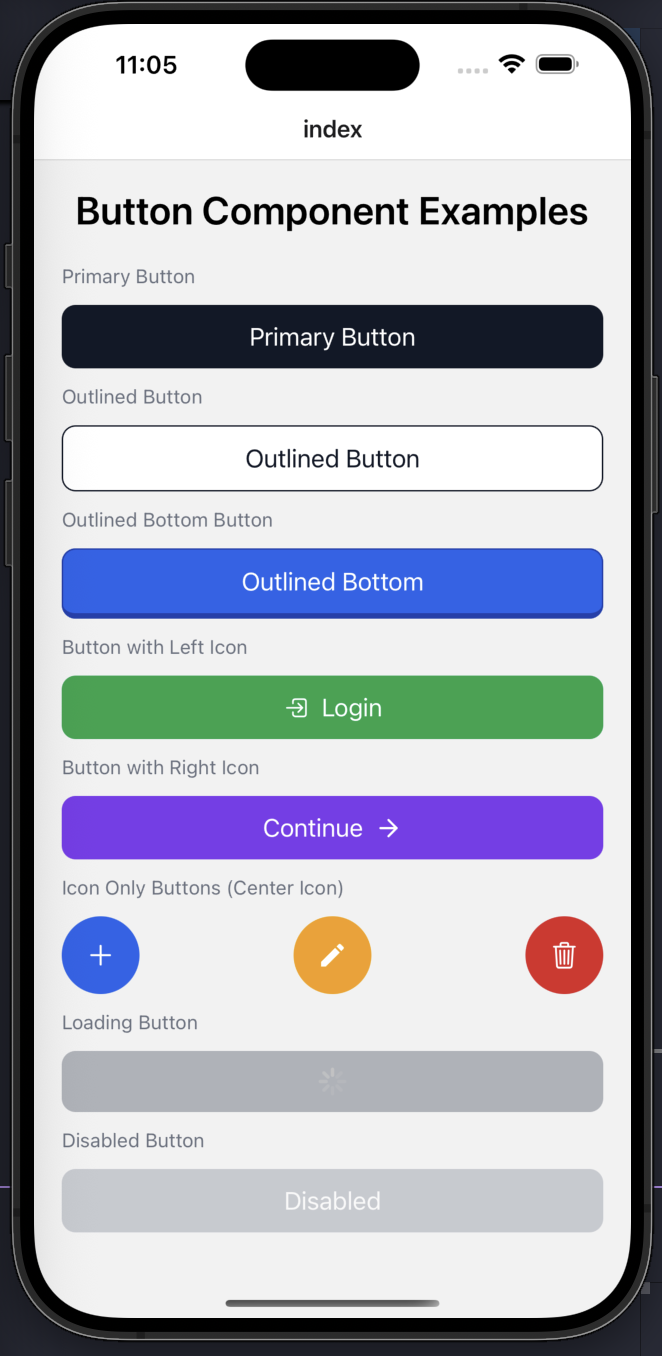
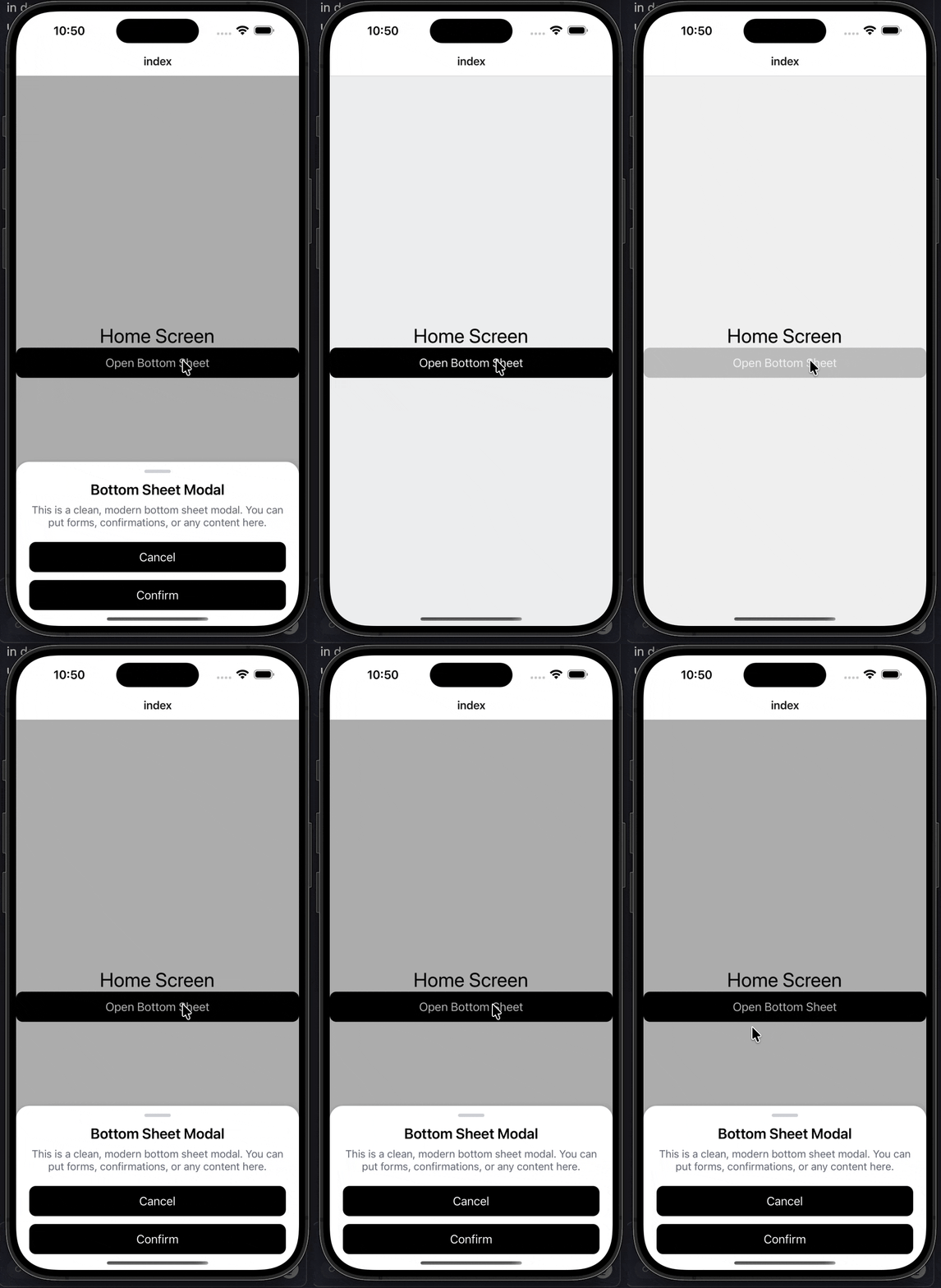
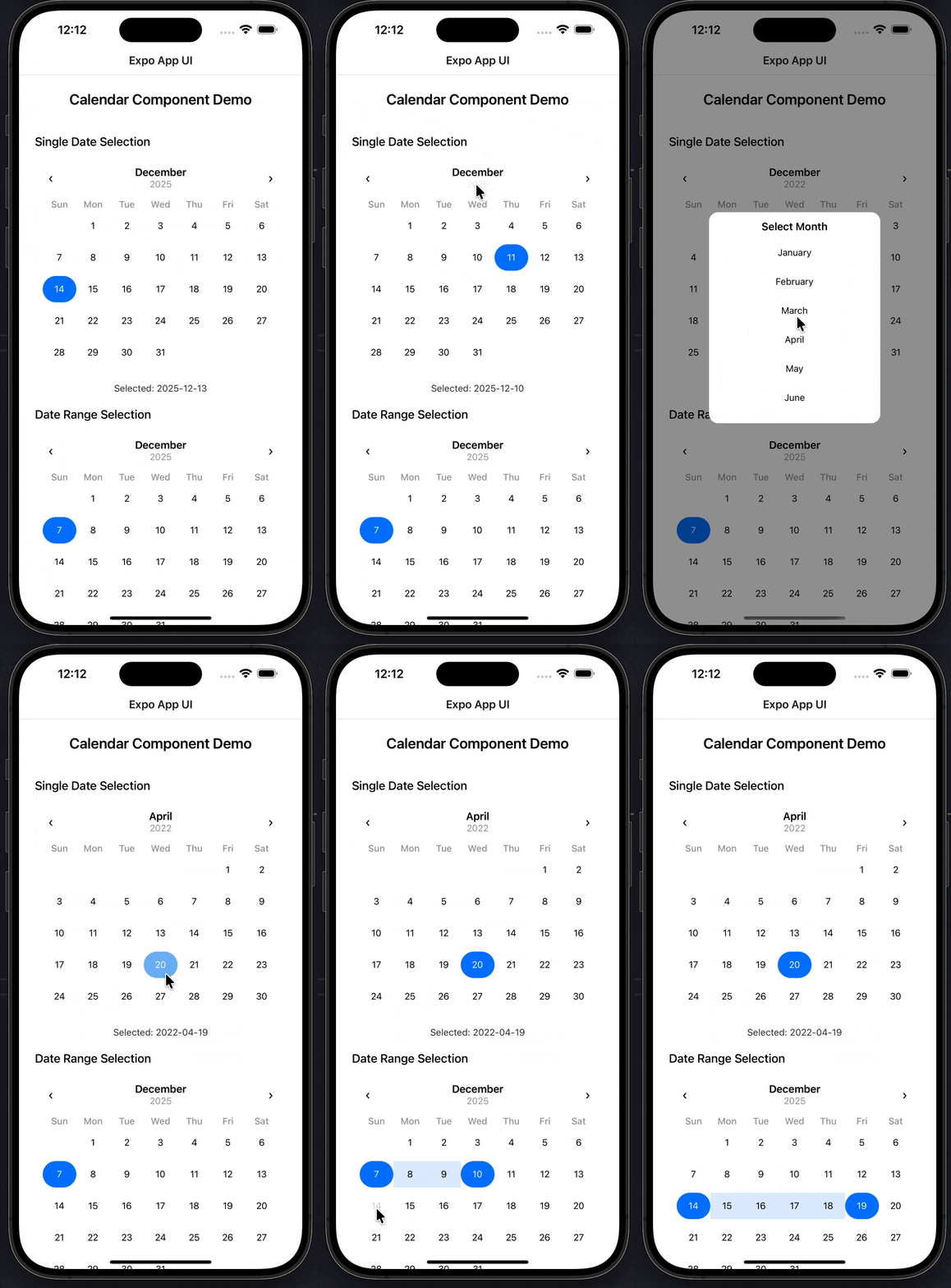
Buttons, dialogs, sheets, toasts, sliders, tabs, calendar, and more. Each one is hand-crafted, accessible, TypeScript-typed, and ready to drop into your Expo app.
What's in the box
A complete toolkit for production apps.
Six categories. Twenty-seven components. Each one built around real-world patterns — controlled/uncontrolled modes, accessibility props, sensible defaults, and minimal peer dependencies.
Core
Button · Custom Text · Box View
Display
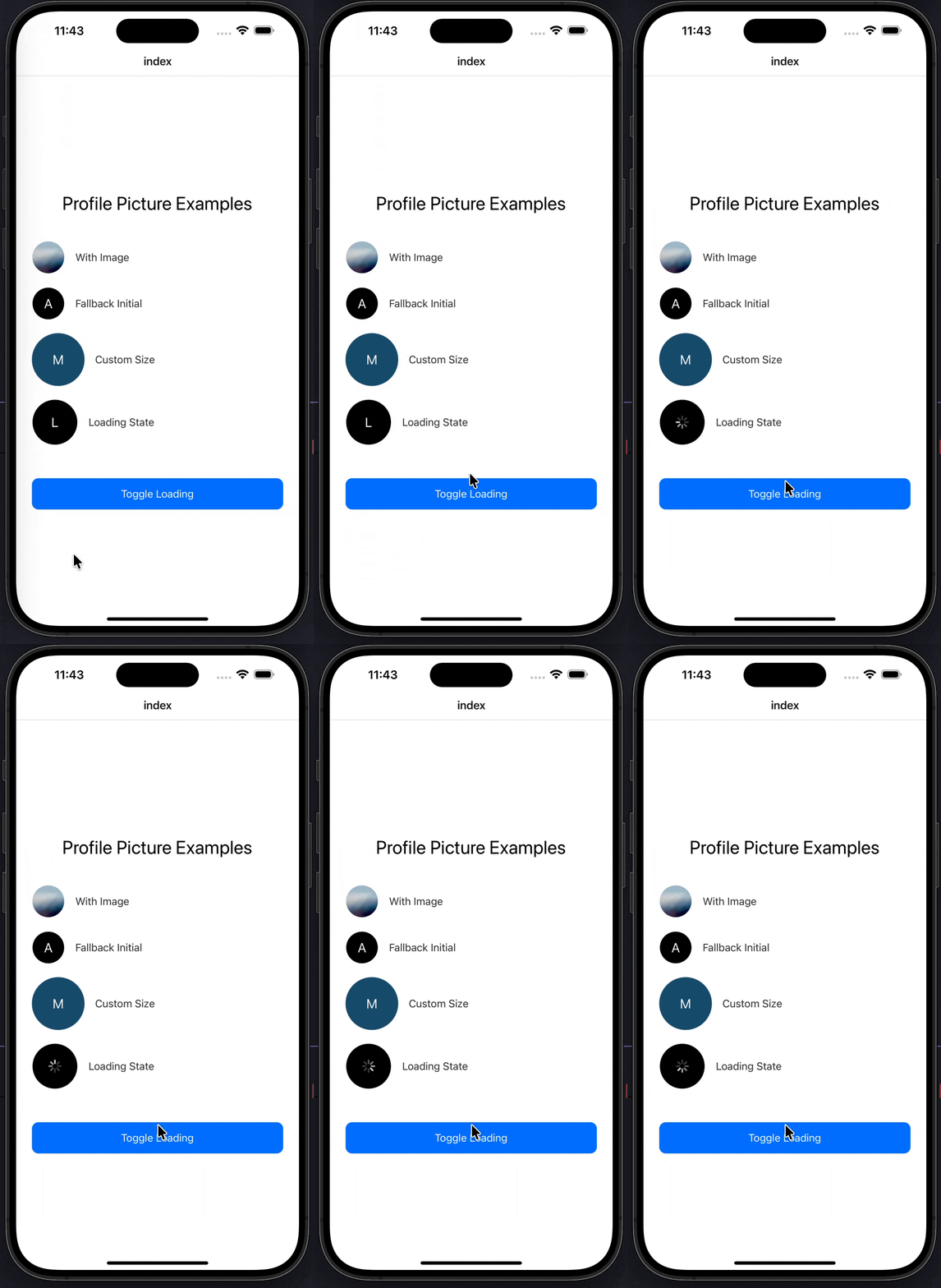
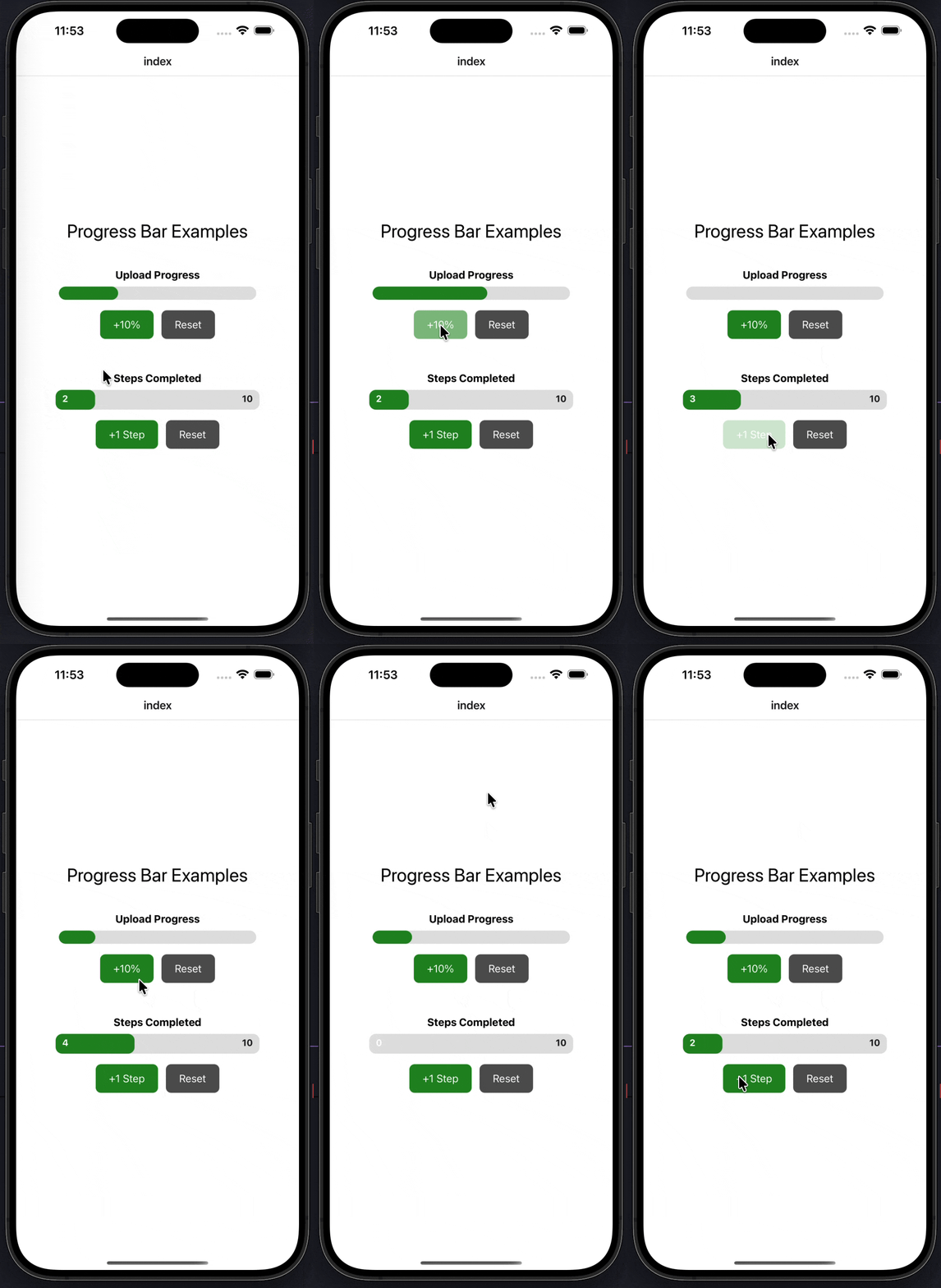
Badge · Avatar · Skeleton · Profile Pic · Progress Bar
Inputs & Forms
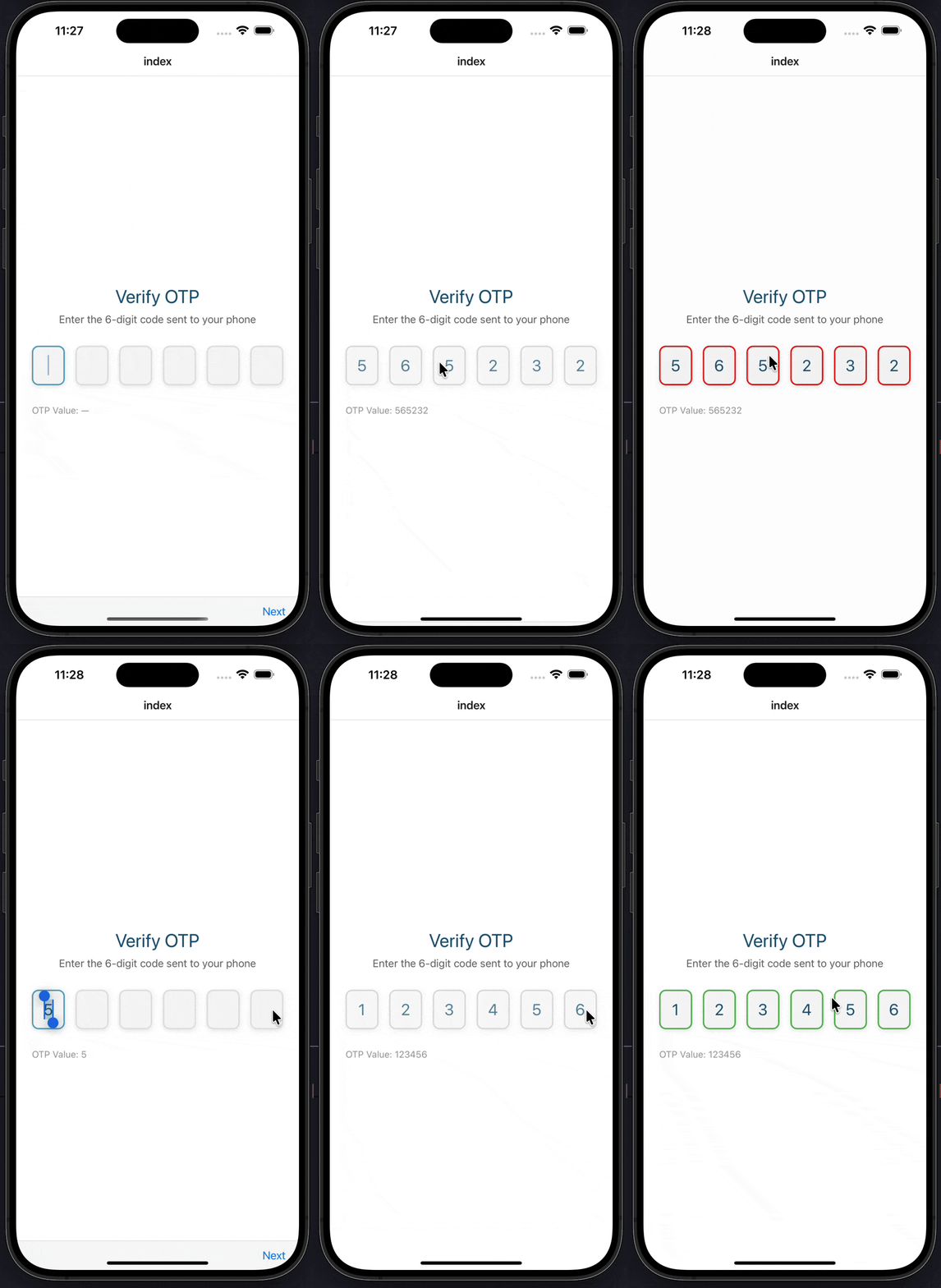
Switch · Checkbox · Radio Group · Slider · OTP Input · Birthdate Picker
Navigation
Tabs
Overlays
Dialog · Tooltip · Custom Modal · Bottom Sheet · Toast · Snackbar
Feedback & Motion
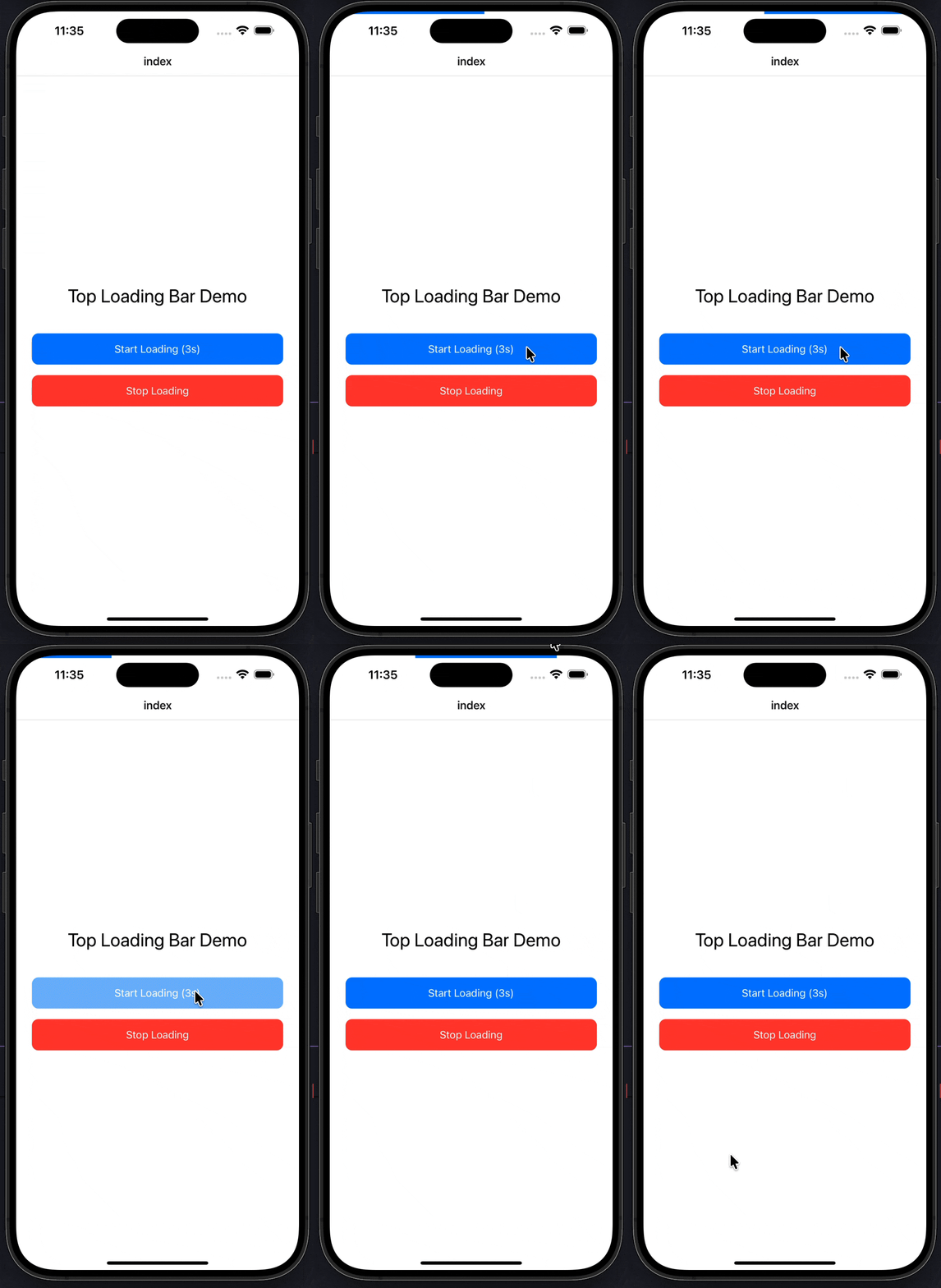
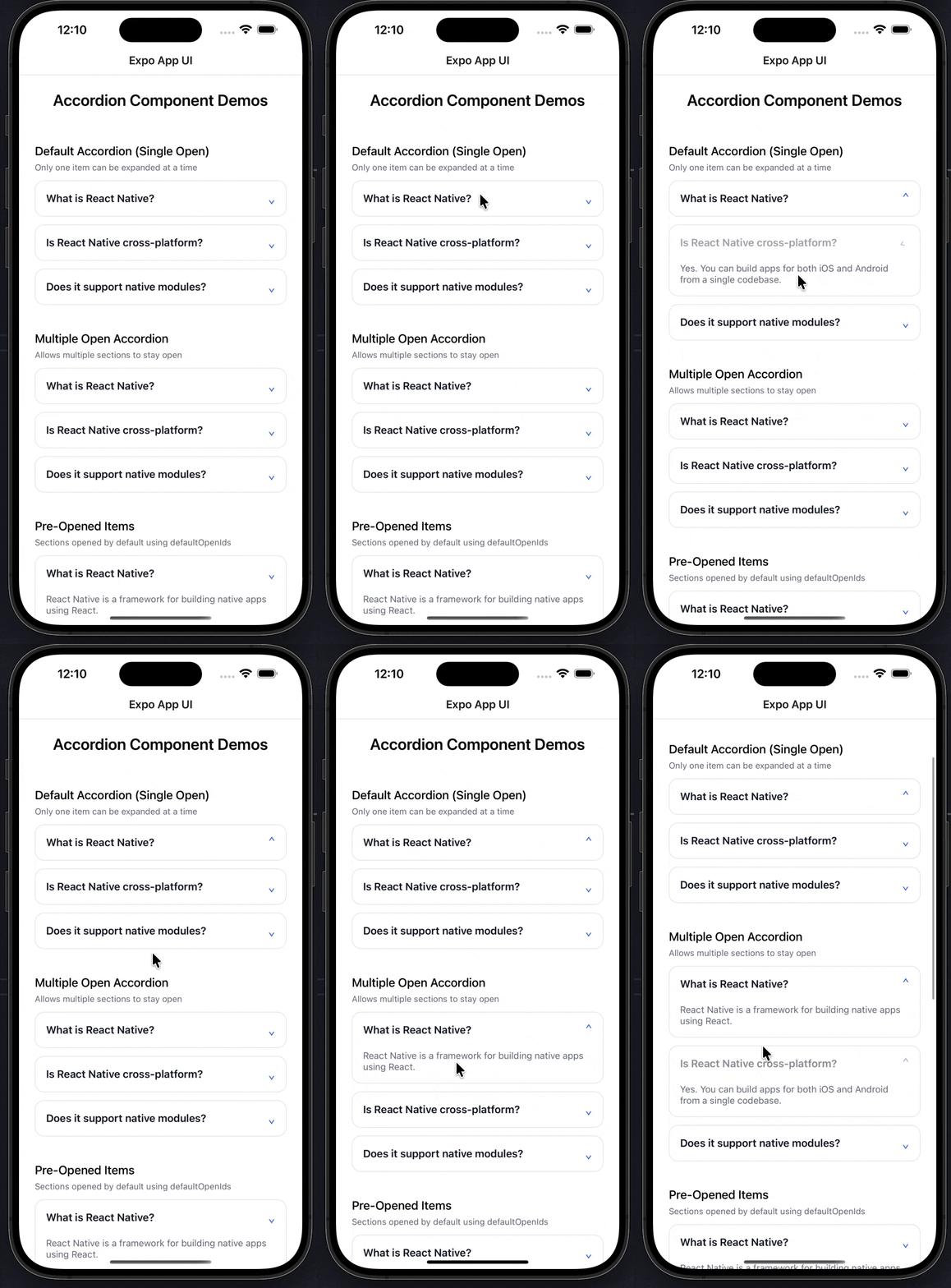
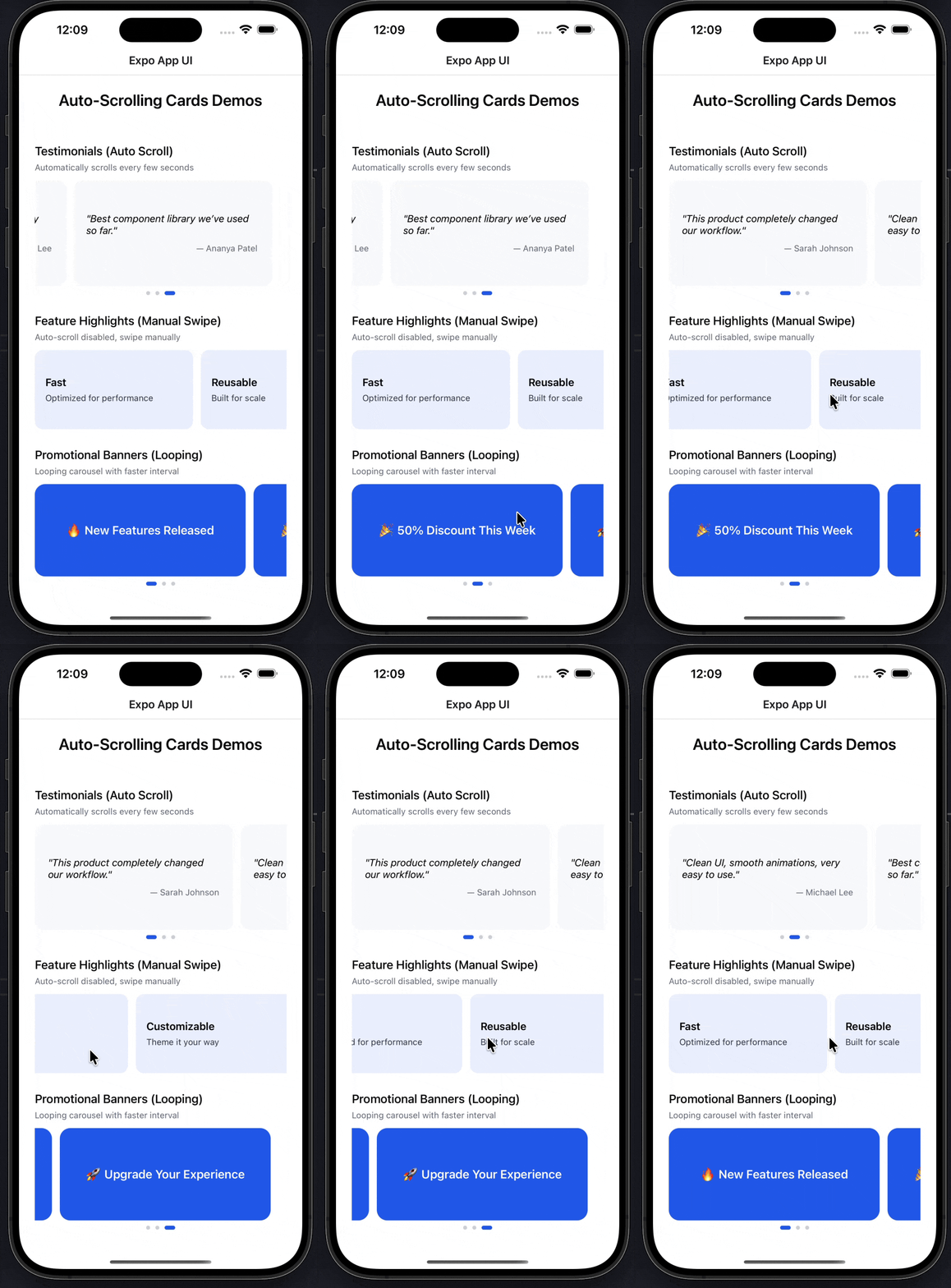
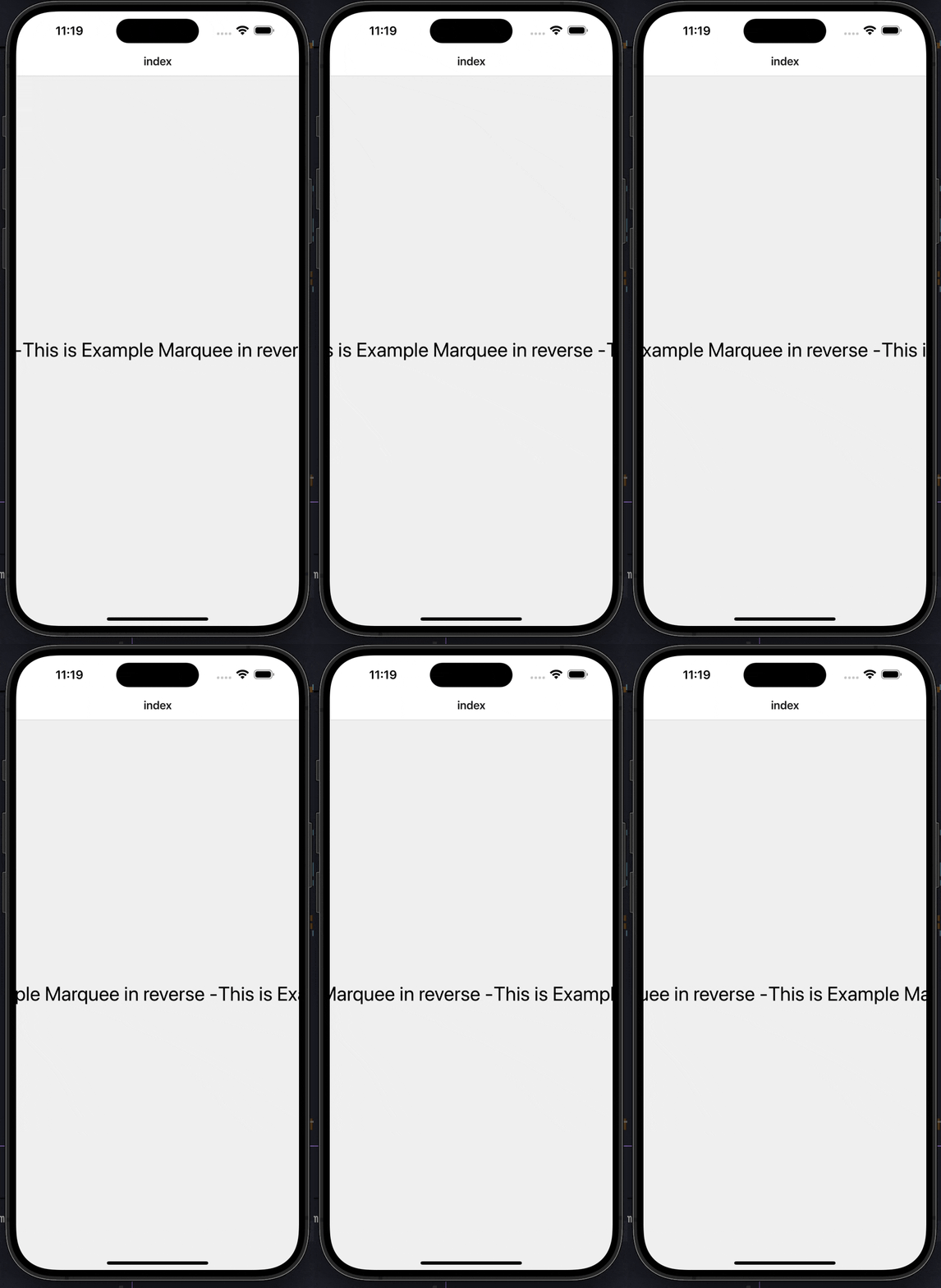
Loading Bar · Marquee · Accordion · Auto Scroll Cards · Calendar
Why Expo App UI
Built for developers who ship.
Every component is designed for production. Best-practice patterns, minimal peer dependencies, and full code ownership — so your screens stay lightweight and your team stays in control.
Own Your Code
Components are copied directly into your project. No black boxes, no vendor lock-in. Just clean, readable code you control.
Fully Customizable
Tweak every prop, color, and animation to fit your design system. Modify components freely without fighting a framework.
Auto Dependencies
The CLI detects required helpers, theme constants, and contexts and adds them to your project automatically.
Lightweight by default
No required peer deps for most components. Self-contained, no theme provider, no extra runtime — your bundle stays small.
Built for production
Designed around real-world best practices: TypeScript strict mode, accessibility roles and states, New Architecture (Fabric) compatible, and covered by an automated test suite.
Beautifully Designed
Each component is hand-crafted to look great out of the box. Modern, native-feeling interactions on iOS and Android.
Quick Start
Up and running in 30 seconds.
Browse the catalog
See what is available — 27+ production-ready components covering inputs, overlays, navigation, and more.
Add a component
Pick what you need. The CLI copies it into your project and pulls in any required helpers automatically.
Use & customize
Import, render, and tweak — the code is yours, with strict TypeScript and accessibility wired in.
FAQ
Frequently asked questions
Is Expo App UI production-ready?+
Yes. Every component is built for real apps — TypeScript strict mode with explicit prop interfaces, accessibility props (role, state, value, live regions) wired in, controlled/uncontrolled modes where it matters, and an automated test suite for the CLI. Components are designed around best-practice React Native patterns, not toy examples.
Is it free to use?+
Yes. Expo App UI is open-source under the MIT license — free for personal and commercial projects, no attribution required.
How is this different from React Native Paper or NativeBase?+
Those libraries ship as packaged components you import — you trade flexibility for convenience and add runtime weight. Expo App UI copies the actual source into your project: you own the code, edit anything, and avoid runtime dependency cost. See our full comparison page in the docs.
Does it support the New Architecture (Fabric / TurboModules)?+
Yes. Components are tested against Expo SDK 52+ with newArchEnabled: true. No legacy bridge APIs, no findNodeHandle, no deprecated lifecycle methods. The Old Architecture is also still supported.
Will it bloat my bundle?+
No. You only ship what you copy in — there is no library runtime. Most components have zero required peer dependencies; a few (bottom-sheet, custom-modal, slider) optionally use Reanimated or gesture-handler when present. Your screens stay lightweight.
Does it work with bare React Native (not Expo)?+
Most components work in bare RN projects. A few use Expo-specific APIs (e.g. expo-image) and are noted on their docs page. You can usually swap those for RN equivalents in a couple lines since you own the code.
How do I update components after copying them?+
Since you own the code, updates are intentional — they never break your app silently. Re-run `npx expo-app-ui add <component> --overwrite` to pull the latest, or cherry-pick specific changes from GitHub.
Will more components be added?+
Yes — the library grows based on community needs and follows the same production-readiness bar (a11y, types, tests). Open an issue on GitHub to request or contribute one.
Ship production-grade Expo apps.
Free, open-source, MIT-licensed. Designed for real apps — TypeScript, accessibility, New Architecture, and minimal peer deps from day one.